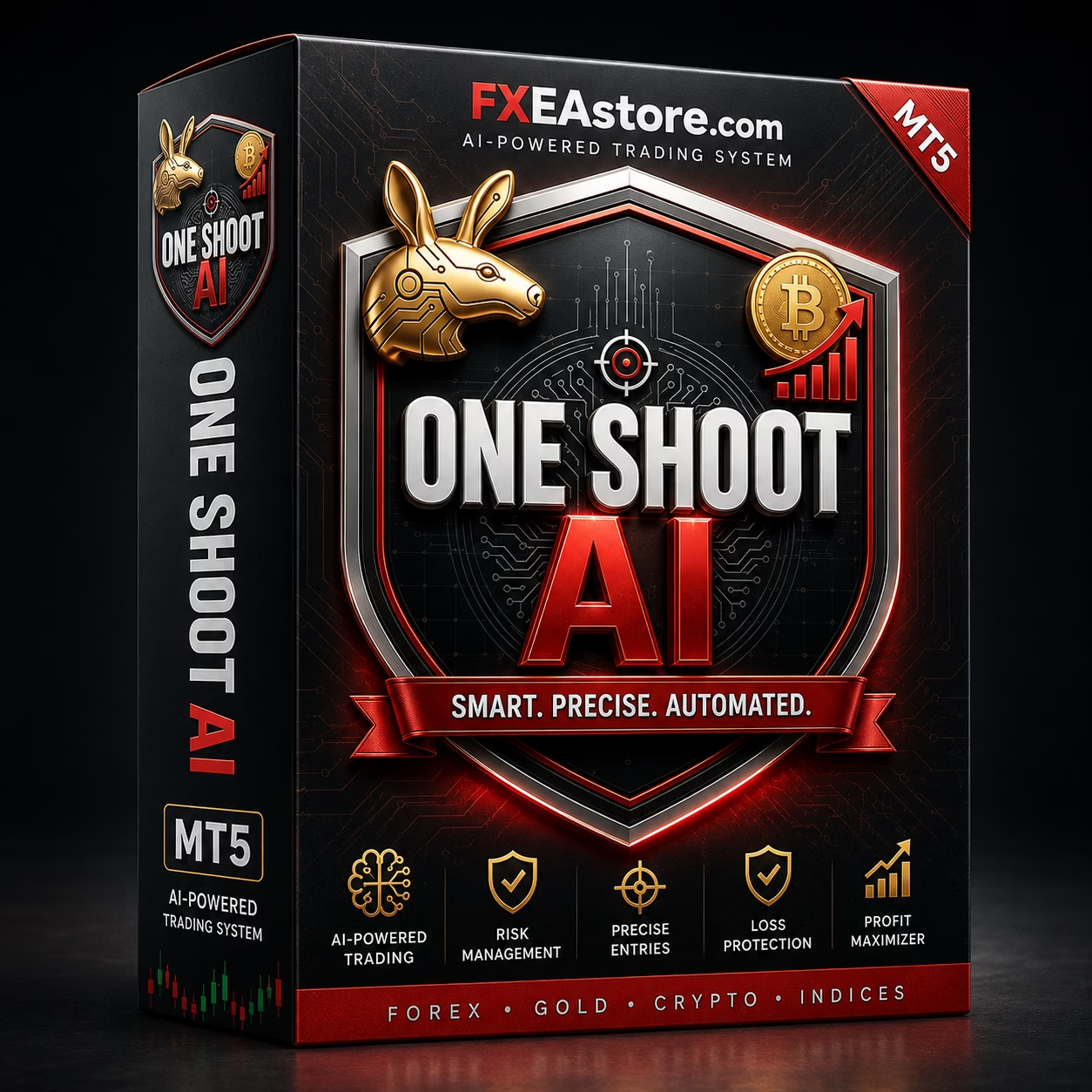


ONE SHOOT AI MT5 V5.1 Unlimited
$15
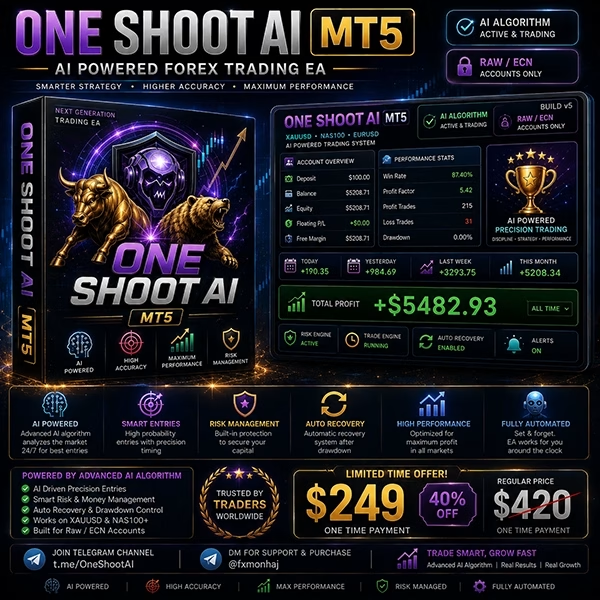
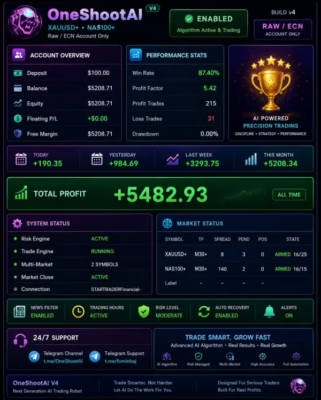
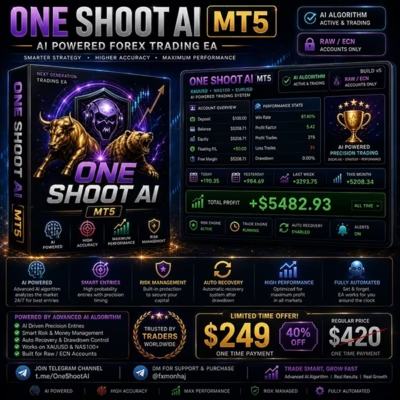
ONE SHOOT AI MT5 is an automated Expert Advisor designed for MetaTrader 5 users who want a systematic approach to algorithmic trading. With automated execution and configurable trading parameters, it provides a convenient solution for traders looking to reduce manual market monitoring.

Description
ONE SHOOT AI MT5 – Advanced AI-Powered Automated Trading EA
ONE SHOOT AI MT5 – Smarter Automated Trading on MetaTrader 5
ONE SHOOT AI MT5 is an automated Expert Advisor created for traders who want to simplify their trading workflow through algorithmic execution.
Designed for the MetaTrader 5 platform, the EA allows traders to automate market monitoring and trade execution according to its programmed strategy and available settings.
Instead of manually watching charts throughout the trading session, users can configure the EA and allow it to operate automatically while MetaTrader 5 remains connected.
For more automated trading solutions, explore our Expert Advisor collection.
AI-Based Approach to Automated Trading
The concept behind ONE SHOOT AI MT5 focuses on using an AI-oriented approach within an automated trading environment.
Automated analysis can help traders follow predefined rules consistently and reduce emotional decision-making during market fluctuations.
The EA is intended to provide a systematic workflow in which market conditions are evaluated according to its programmed logic before trading operations are executed.
Automation can offer several practical advantages:
- Continuous market monitoring
- Systematic trade execution
- Reduced manual intervention
- Consistent application of trading rules
- Automated position management
- Faster response to qualifying market conditions
- More efficient trading workflow
AI-based or automated trading does not guarantee profitable results. Market conditions can change rapidly, and traders should always validate the EA under their own broker environment.
Automated Trading with MetaTrader 5
ONE SHOOT AI MT5 is built for the MetaTrader 5 ecosystem, giving traders access to a powerful platform for automated trading and strategy testing.
Once installed and properly configured, the EA can monitor the market and execute trades according to its programmed logic.
This can be particularly useful for traders who do not want to remain in front of their computer continuously.
A stable VPS environment can also be used to keep MetaTrader 5 running and connected during the intended trading periods.
Systematic Market Analysis
One of the key advantages of automated trading is consistency.
Rather than making discretionary decisions based on emotions or short-term market reactions, ONE SHOOT AI MT5 follows its programmed trading logic.
The EA can evaluate market conditions and identify situations that meet its trading criteria.
This rules-based approach can help traders maintain a consistent trading process and reduce the possibility of impulsive manual decisions.
However, the actual trading behavior depends on the EA’s programmed strategy and configuration.
Automated Trade Execution
With ONE SHOOT AI MT5, trade execution can be automated once the Expert Advisor has been installed and configured correctly.
This can reduce the need for manual order placement and allow the trading system to operate according to predefined conditions.
Automated execution can help with:
- Entry management
- Position monitoring
- Trade execution
- Position management
- Exit management
- Consistent application of trading rules
Execution quality can still be affected by broker conditions, latency, spread, slippage, liquidity, and market volatility.
Flexible Trading Parameters
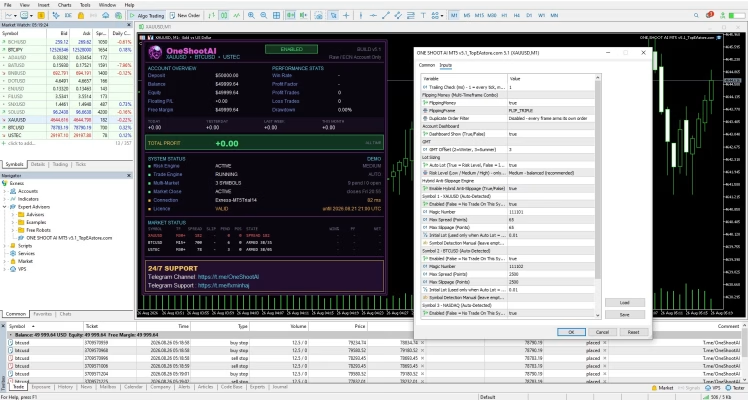
ONE SHOOT AI MT5 provides configurable parameters that allow traders to adapt the EA to their preferred trading environment.
Depending on the available settings, users can review and adjust areas such as:
- Position sizing
- Risk management
- Trading conditions
- Entry parameters
- Exit parameters
- Trade-management settings
- Operating preferences
Traders should understand each parameter before making changes.
Increasing position size or risk settings can significantly increase potential losses and drawdown.
For additional technical analysis solutions, explore our Indicator collection.
Built for Automated Trading Workflows
ONE SHOOT AI MT5 can be integrated into a broader algorithmic trading environment.
A typical automated workflow can include:
Market Analysis → Signal Evaluation → Trade Execution → Position Management → Exit
This process can help traders maintain a structured approach rather than manually handling every stage of a trade.
The EA can be monitored through MetaTrader 5 while traders remain free to focus on other activities.
Why Use ONE SHOOT AI MT5?
Automated trading can provide several practical benefits for traders who prefer systematic execution.
Reduced Manual Monitoring
The EA can monitor the market automatically while MetaTrader 5 is running.
Consistent Execution
Trading rules can be applied consistently without emotional hesitation.
Automated Trade Management
The system can manage trading operations according to its programmed logic.
AI-Oriented Trading Approach
The product is designed around an AI-oriented automated trading concept.
MetaTrader 5 Compatibility
Designed for the MetaTrader 5 automated trading environment.
Flexible Configuration
Available parameters can be adjusted according to the user’s preferred trading environment.
VPS-Friendly Operation
A stable VPS can help maintain continuous automated operation.
Key Features of ONE SHOOT AI MT5
- MetaTrader 5 compatible
- Automated Expert Advisor
- AI-oriented trading approach
- Automated market monitoring
- Systematic trade execution
- Automated position management
- Configurable trading parameters
- Reduced manual intervention
- Suitable for algorithmic trading
- VPS-friendly
- Designed for automated trading workflows
- Suitable for traders interested in AI-based trading systems
Easy ONE SHOOT AI MT5 Setup
Getting started with ONE SHOOT AI MT5 is straightforward:
- Install MetaTrader 5 on your computer or VPS.
- Add the EA files to the appropriate MT5 directory.
- Restart or refresh the MetaTrader 5 Navigator.
- Open the desired trading chart.
- Attach ONE SHOOT AI MT5 to the chart.
- Review the available input parameters.
- Configure your preferred risk and trading settings.
- Enable automated trading.
- Test the EA on a demo account.
- Monitor its behavior before considering live deployment.
Always verify the EA settings and broker conditions before activating automated trading.
For developers interested in customizing automated trading software, explore our Source Code collection.
Optimize Your Automated Trading Environment
The quality of an automated trading environment can have a meaningful impact on real-world execution.
Before running ONE SHOOT AI MT5, consider:
Reliable Broker Execution
Stable execution and competitive trading conditions can help reduce unnecessary transaction costs.
Competitive Spreads
Spread costs can affect automated strategies, particularly when trades are opened and closed frequently.
Stable VPS
A VPS can keep MetaTrader 5 operating continuously without relying on your personal computer.
Appropriate Risk Management
Select position sizes and risk settings according to your account size and personal risk tolerance.
Sufficient Free Margin
Make sure the trading account has enough available margin for the intended configuration.
Test ONE SHOOT AI MT5 Before Going Live
Thorough testing is recommended before using ONE SHOOT AI MT5 with real funds.
During testing, monitor:
- Maximum drawdown
- Trading frequency
- Average trade duration
- Position sizing
- Spread costs
- Slippage
- Execution quality
- Margin usage
- Performance during different market conditions
- Behavior during volatile periods
Forward testing on a demo account can help you determine whether the EA is suitable for your broker and trading environment.
Who Is ONE SHOOT AI MT5 For?
ONE SHOOT AI MT5 may be suitable for:
- MetaTrader 5 traders
- Forex traders interested in automation
- Algorithmic trading enthusiasts
- Traders interested in AI-oriented trading systems
- Users who want to reduce manual chart monitoring
- Traders looking for systematic trade execution
- Experienced users building automated trading portfolios
- Traders interested in automated position management
Users who are new to Expert Advisors should begin with demo testing and learn how the system behaves before committing real capital.
Instant Digital Access After Payment
After completing your purchase, you can access your available product files through your account.
Visit our Download Immediately After Payment page to access your purchased downloads.
The digital delivery process makes it convenient to receive your ONE SHOOT AI MT5 files and begin the installation and testing process.
Expand Your Automated Trading Toolkit
ONE SHOOT AI MT5 can be used as part of a broader automated trading setup.
Explore our Expert Advisor collection for more automated trading systems.
Visit our Indicator collection for additional technical-analysis tools.
If you are interested in developing or customizing algorithmic trading software, explore our Source Code collection.
Important Risk Disclaimer
Forex, Gold, CFDs, and other leveraged financial instruments involve significant financial risk.
ONE SHOOT AI MT5 does not guarantee profits or eliminate trading losses.
Automated and AI-based trading systems can experience losses because of market volatility, spread expansion, slippage, liquidity conditions, broker execution, technical interruptions, unexpected market events, and changes in market behavior.
Any historical performance, backtest, optimization result, or hypothetical result should not be considered a guarantee of future performance.
Always test ONE SHOOT AI MT5 on a demo account before live trading. Use appropriate risk management and never trade with money you cannot afford to lose.
Get ONE SHOOT AI MT5 Today
If you are looking for an AI-oriented automated trading EA for MetaTrader 5, ONE SHOOT AI MT5 provides a systematic solution for traders who want to automate market monitoring, trade execution, and position management.
Configure the EA, test it under your own broker conditions, optimize your preferred settings, and evaluate its behavior before considering live deployment.
Stay updated with new Expert Advisors, Indicators, and trading products through our Official Trading Channel.
For product, installation, or purchase assistance, contact our Customer Support.

Related products
Expert Advisor
Expert Advisor

Expert Advisor
Expert Advisor
Expert Advisor

Expert Advisor

Expert Advisor
Expert Advisor