
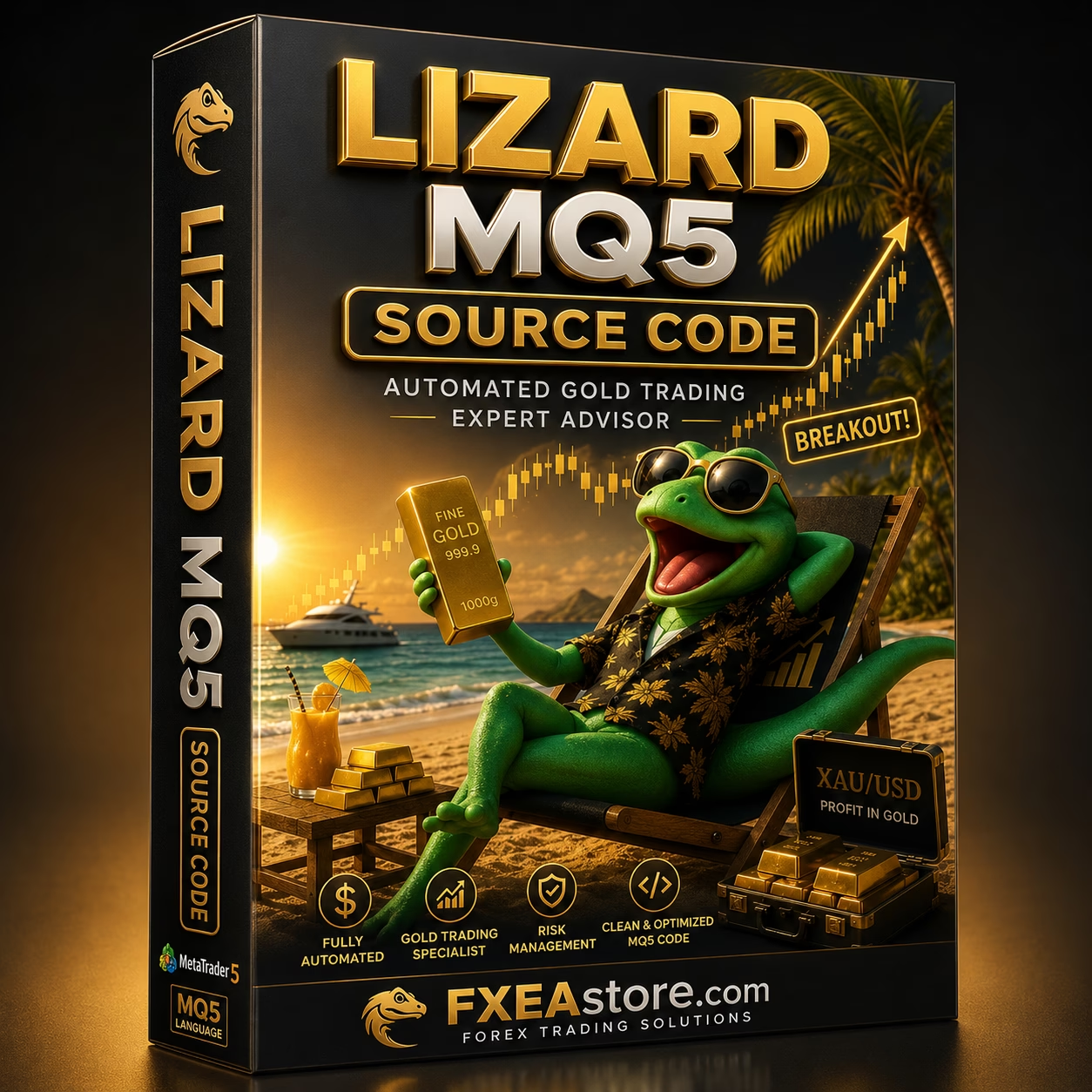



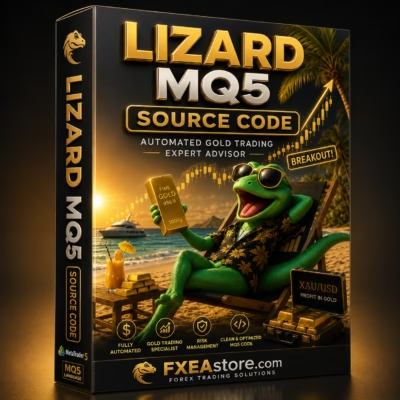
Lizard MQ5 Source Code v1.85 Unlimited + SetFiles
$25
Lizard MQ5 Source Code is a MetaTrader 5 source-code package designed for traders and MQL5 developers who want to study, customize, test, and optimize an automated trading system. The package includes SetFiles for convenient configuration and testing.

Description
Lizard MQ5 Source Code – Advanced MT5 Trading Development Package
Lizard MQ5 Source Code – Take Control of Your MT5 Trading System
Lizard MQ5 Source Code is designed for traders, programmers, and algorithmic trading enthusiasts who want direct access to an MT5 Expert Advisor source-code project.
The Lizard V1.85 MQ5 Source Code package gives users more flexibility than a standard compiled Expert Advisor. With access to the MQ5 files, experienced MQL5 developers can examine the trading structure, make modifications, compile customized versions, and test different configurations.
The included SetFiles can also simplify the initial configuration and optimization process.
Explore more development-oriented trading products in our Source Code collection.
Build, Modify, and Optimize with Lizard MQ5
Working with source code gives developers greater control over an automated trading system.
Instead of being restricted to the input parameters provided by a compiled EA, users with MQL5 development knowledge can work directly with the underlying code.
Depending on the structure of the supplied project, potential development tasks can include:
- Reviewing the trading logic
- Modifying trading conditions
- Adjusting risk-management rules
- Customizing position sizing
- Changing entry and exit conditions
- Adding or modifying filters
- Improving trade-management functions
- Testing alternative configurations
- Compiling customized versions
- Optimizing the strategy through MetaTrader 5
Any source-code modification should be tested thoroughly because even a small change can significantly affect an EA’s behavior.
Lizard V1.85 MQ5 Source Code for MetaTrader 5
The Lizard V1.85 MQ5 Source Code package is intended for the MetaTrader 5 ecosystem and MQL5 development environment.
MetaTrader 5 provides developers with tools such as MetaEditor and Strategy Tester, allowing them to compile, test, and analyze Expert Advisors.
A typical development workflow can include:
Edit → Compile → Backtest → Optimize → Forward Test → Deploy
This makes the source code useful for both practical customization and algorithmic trading research.
For additional automated trading solutions, explore our Expert Advisor collection.
Customize Your Automated Trading Strategy
One of the biggest advantages of Lizard MQ5 Source Code is the ability to work directly with the EA’s source code.
Experienced developers may be able to customize areas such as:
Entry Logic
Modify or extend the conditions used to identify potential trading opportunities.
Exit Logic
Adjust how positions are managed and when trades are closed.
Risk Management
Customize position sizing, exposure limits, or other risk-control mechanisms where supported by the source structure.
Trade Management
Adapt the way open positions and trading operations are handled.
Filters
Add or modify conditions intended to filter market situations.
Trading Parameters
Adjust configurable elements to match a particular testing or trading environment.
The actual customization possibilities depend on the supplied source-code architecture and the developer’s MQL5 skills.
SetFiles Included for Easier Configuration
The Lizard MQ5 Source Code Unlimited + SetFiles package includes configuration files that can help streamline the initial setup.
SetFiles allow users to load predefined parameter combinations rather than entering every setting manually.
They can also be useful when testing different configurations during strategy development.
A practical workflow is:
- Load an included SetFile.
- Run a baseline test.
- Record the results.
- Adjust selected parameters.
- Backtest again.
- Compare performance and drawdown.
- Forward-test promising configurations.
Avoid optimizing exclusively for historical profit. Robustness across different market conditions is more important than achieving a single strong backtest result.
Learn More About MQL5 Algorithmic Trading
Source-code projects can also provide useful learning material for developers who want to improve their understanding of automated trading.
With Lizard MQ5 Source Code, users can explore concepts such as:
- MQL5 program structure
- Expert Advisor architecture
- Trading functions
- Position management
- Input parameters
- Risk controls
- Automated execution
- Trading filters
- Error handling
- Strategy testing
- Optimization workflows
This makes the package suitable for users who want to go beyond simply running an EA and gain more control over their automated trading software.
For additional technical-analysis tools, visit our Indicator collection.
Key Benefits of Lizard MQ5 Source Code
MQ5 Source Code Access
Work directly with the source-code project rather than being limited to a compiled EA.
MetaTrader 5 Compatibility
Designed for the MT5 trading and development environment.
Customization Potential
Experienced MQL5 programmers can modify supported parts of the trading system.
Included SetFiles
Predefined configurations can simplify initial testing and parameter optimization.
Development Friendly
Suitable for algorithmic traders and developers who want to study or adapt an existing EA.
Strategy Testing
Use the MetaTrader 5 Strategy Tester to evaluate different configurations.
Flexible Development Workflow
Modify, compile, test, optimize, and forward-test your customized version.
Why Choose Lizard MQ5 Source Code?
Lizard MQ5 Source Code provides a development-oriented alternative to purchasing only a compiled Expert Advisor.
It can be useful for traders and developers who want:
- Greater control over an automated trading system
- Access to MQ5 source files
- Customization possibilities
- MQL5 development experience
- SetFiles for configuration
- Strategy testing and optimization
- A foundation for further algorithmic development
- More flexibility than standard EA input settings
If your goal is to develop or customize automated trading software rather than simply run a precompiled robot, source-code access can provide substantially more flexibility.
Easy MT5 Source Code Installation
Getting started with Lizard MQ5 Source Code is straightforward:
- Install MetaTrader 5.
- Open MetaEditor.
- Place the supplied MQ5 files into the appropriate directory.
- Open the source project.
- Review the code and available input parameters.
- Compile the EA.
- Check the compilation results.
- Load the included SetFile when appropriate.
- Run backtests with the MT5 Strategy Tester.
- Forward-test the compiled version on a demo account.
Always keep a backup of the original source files before making any modifications.
Recommended Development Workflow
For the best development experience, follow a structured testing process.
Step 1 – Establish a Baseline
Test the original configuration before making modifications.
Step 2 – Study the Source
Review the code structure and identify the main trading and management components.
Step 3 – Make Controlled Changes
Change one feature or parameter at a time whenever possible.
Step 4 – Compile
Make sure the modified project compiles correctly.
Step 5 – Backtest
Use historical data to evaluate the modified version.
Step 6 – Optimize Carefully
Test different configurations without relying exclusively on historical optimization.
Step 7 – Forward Test
Run the EA on a demo account under real-time market conditions.
Step 8 – Evaluate Risk
Review drawdown, exposure, trade frequency, and other relevant risk metrics before considering live deployment.
Who Is Lizard MQ5 Source Code For?
This product may be suitable for:
- MQL5 developers
- MetaTrader 5 programmers
- Algorithmic traders
- Forex EA developers
- Experienced automated-trading users
- Traders who want to customize an EA
- Developers studying Expert Advisor architecture
- Users interested in MT5 source-code projects
Basic knowledge of MQL5 and MetaTrader 5 is recommended if you intend to modify or compile the source code.
Source Code vs. Compiled EA
Source-code access provides significantly more development flexibility than a standard compiled Expert Advisor.
| Feature | Lizard MQ5 Source Code | Compiled EA |
|---|---|---|
| Run automated trading | Yes | Yes |
| Access source code | Yes | No |
| Modify trading logic | Yes | No |
| Customize functions | Yes | Limited |
| Compile modified version | Yes | No |
| Study MQL5 structure | Yes | Limited |
| Developer-oriented | Yes | Less focused |
| Strategy testing | Yes | Yes |
For users who want to learn, modify, or develop automated trading software, source-code access can be a valuable advantage.
Expand Your Automated Trading Toolkit
Lizard MQ5 Source Code can become part of a broader MT5 development and trading environment.
Browse our Expert Advisor collection for ready-to-use automated trading systems.
Explore our Indicator collection for additional technical-analysis tools.
And visit our Source Code collection to discover more MT4 and MT5 development projects.
Instant Digital Access After Payment
After completing your purchase, you can access your available product files through your account.
Visit our Download Immediately After Payment page to access your purchased downloads.
This makes it convenient to receive the Lizard MQ5 Source Code package and begin your development, testing, and customization workflow.
Important Risk & Development Disclaimer
Forex, Gold, CFD, and other leveraged financial markets involve significant risk.
Lizard MQ5 Source Code does not guarantee profits or successful trading results.
Modifying the source code can substantially change the behavior, risk profile, execution characteristics, and performance of the resulting Expert Advisor.
Backtest and optimization results are not guarantees of future performance. Always test original and modified versions thoroughly under different market conditions.
Forward-test your EA on a demo account before considering live deployment and use appropriate risk management at all times.
Get Lizard MQ5 Source Code Today
If you are looking for MQ5 Source Code for MetaTrader 5, the Lizard MQ5 Source Code package provides a flexible foundation for studying, customizing, testing, and developing an automated trading system.
With Lizard V1.85 source-code access and SetFiles, experienced users can move beyond basic EA configuration and work directly with the underlying MQL5 project.
Stay updated with new Expert Advisors, Indicators, and source-code products through our Official Trading Channel.
For product, installation, or purchase assistance, contact our Customer Support.
Related products

Expert Advisor

Expert Advisor

Expert Advisor
IS New Project EA MT4 Unlimited with SetFiles (latest build)
Expert Advisor
Expert Advisor

Expert Advisor


Expert Advisor

Expert Advisor