
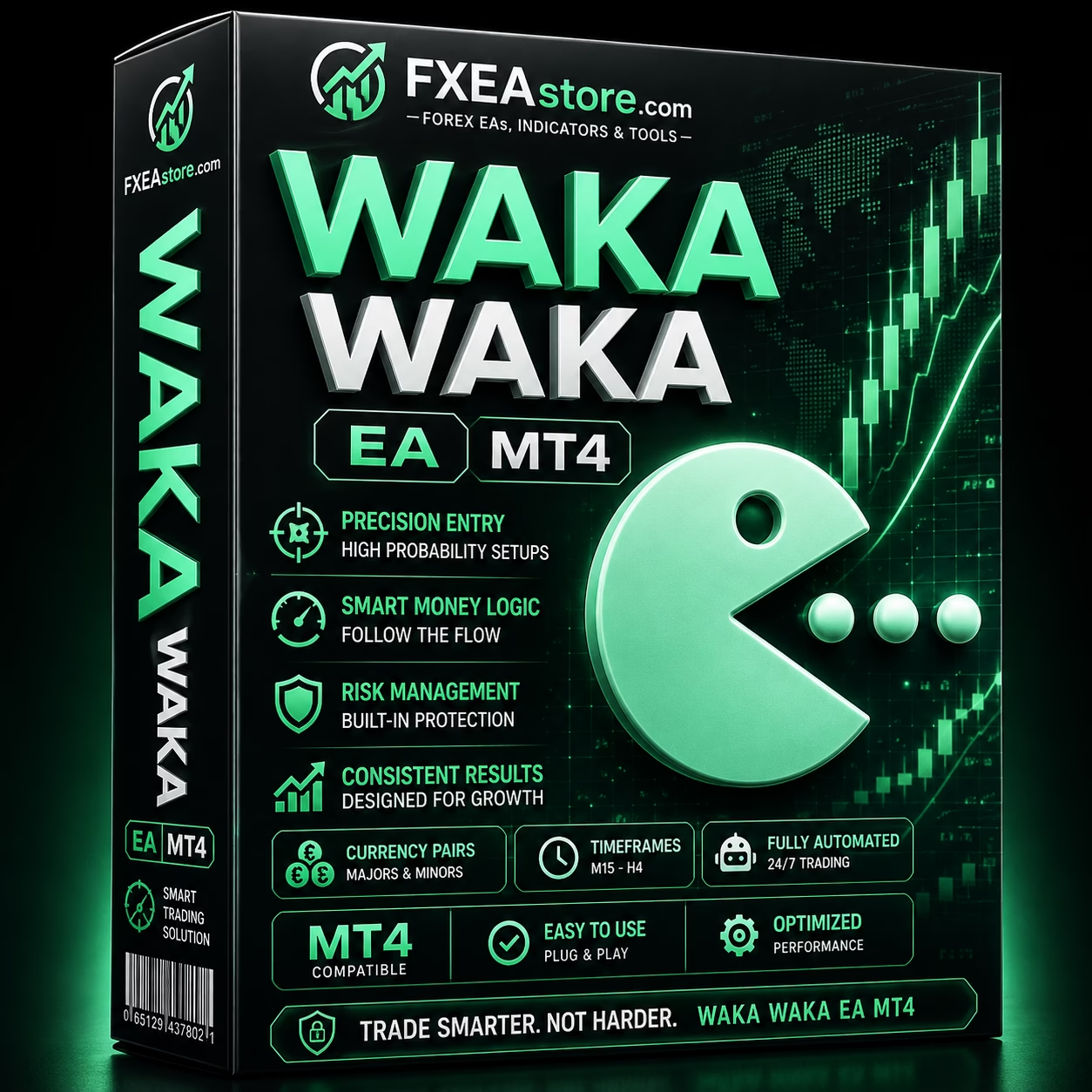


Waka Waka EA MT4 V4.59 Unlimited + SetFiles
$15
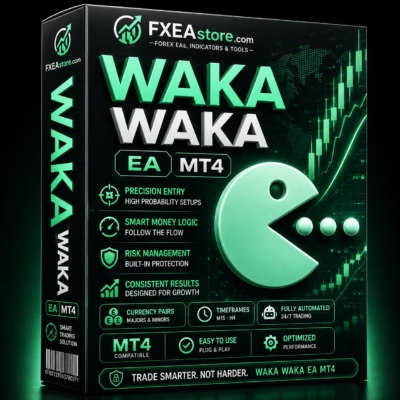
Waka Waka EA MT4 is an automated Forex trading Expert Advisor designed for MetaTrader 4. It continuously monitors the market, identifies potential trading opportunities, and executes trades automatically according to its programmed strategy and risk-management rules.

Description
Waka Waka EA MT4 – Automated Forex Trading Expert Advisor
Waka Waka EA MT4 – A Smarter Way to Automate Forex Trading
Waka Waka EA MT4 is a fully automated Forex Expert Advisor for MetaTrader 4, created for traders who want to automate their trading process with a structured algorithmic approach.
Instead of manually monitoring charts and deciding when to enter or exit trades, the EA can continuously analyze market conditions and execute trades according to its predefined strategy.
The system is designed to provide a systematic trading workflow:
Market Analysis → Trade Signal → Automated Entry → Position Management → Exit
For traders interested in exploring more automated systems, visit our Expert Advisor collection.
Automated Forex Trading with MT4
Waka Waka EA MT4 is built to operate within the MetaTrader 4 environment and automate key parts of the trading process.
Once properly installed and configured, the EA can:
- Monitor the Forex market
- Analyze available market conditions
- Identify potential trading opportunities
- Automatically open trades
- Manage active positions
- Close trades according to its programmed conditions
This automated workflow can reduce the need for constant chart monitoring and help traders follow a predefined trading methodology more consistently.
Algorithmic Market Analysis
The core advantage of Waka Waka EA MT4 is its ability to analyze market conditions automatically.
Rather than relying on manual decisions for every trade, the Expert Advisor applies its programmed trading logic to determine whether current market conditions meet its entry requirements.
The general process involves:
- Monitoring current market data
- Evaluating price behavior
- Searching for qualifying trading conditions
- Generating a potential trading signal
- Executing the trade automatically
- Managing the open position
- Closing the trade when the programmed conditions are satisfied
This systematic process helps eliminate many of the emotional factors that can influence manual trading decisions.
Fully Automated Trade Execution
With Waka Waka EA MT4, traders can automate the execution process directly through MetaTrader 4.
Once a valid trading setup is identified, the EA can place the corresponding order automatically.
This can be especially useful for traders who:
- Have limited time to watch charts
- Prefer systematic trading
- Want to reduce emotional decisions
- Want automated trade execution
- Prefer predefined trading rules
- Want to run an Expert Advisor continuously
Automation does not remove market risk, but it can help create a more consistent trading process.
Automated Position Management
Opening a trade is only one part of an automated trading strategy.
Waka Waka EA MT4 is designed to manage positions according to its internal trading rules after an order has been opened.
The EA can continuously monitor active trades and apply the programmed exit and management logic.
This creates a complete automated cycle:
Signal → Entry → Position Management → Exit
Traders should still monitor their account and understand how the EA manages positions before using it on a live account.
Designed for MetaTrader 4
Waka Waka EA MT4 is specifically designed for the MetaTrader 4 platform.
MT4 provides a familiar environment for automated Forex trading and allows Expert Advisors to operate directly on trading charts.
After installation, users can configure the EA through the MT4 Expert Advisor interface and monitor its activity from the trading terminal.
For additional trading tools, explore our Indicator collection.
Simple Automated Trading Workflow
One of the benefits of an Expert Advisor is the ability to automate repetitive trading tasks.
With Waka Waka EA MT4, the trading workflow can be simplified into several stages.
Step 1 – Install the EA
Install the Expert Advisor into your MetaTrader 4 terminal.
Step 2 – Select the Trading Environment
Attach the EA to the appropriate chart and configure the required parameters.
Step 3 – Activate Automated Trading
Enable automated trading within MetaTrader 4.
Step 4 – Market Monitoring
The EA continuously evaluates market conditions according to its programmed logic.
Step 5 – Automated Execution
When the required conditions are detected, the EA can automatically execute a trade.
Step 6 – Position Management
The EA monitors the open position according to its internal management rules.
Step 7 – Trade Exit
The position is closed when the programmed exit conditions are reached.
Waka Waka EA MT4 – Key Features
Automated Forex Trading
Automates the trading process within MetaTrader 4.
Market Monitoring
Continuously monitors market conditions while the trading terminal is active.
Automatic Trade Execution
Can automatically open trades when its programmed conditions are satisfied.
Position Management
Manages active positions according to predefined trading rules.
Automated Exit Logic
Trades can be closed automatically based on the EA’s internal conditions.
MetaTrader 4 Compatibility
Designed specifically for MT4 Expert Advisor operation.
Reduced Manual Intervention
Helps reduce the need for constant chart monitoring.
Systematic Trading
Applies predefined trading rules consistently instead of relying on discretionary decisions for every trade.
Waka Waka EA MT4 Specifications
| Feature | Details |
|---|---|
| Product | Waka Waka EA MT4 |
| Platform | MetaTrader 4 |
| Trading Type | Automated Forex Trading |
| Execution | Automated |
| Market Analysis | Algorithmic |
| Position Management | Automated |
| Trade Exit | Programmed |
| Interface | MetaTrader 4 Expert Advisor |
| Operation | Continuous while MT4 is running |
The actual behavior and performance of the EA may vary depending on broker conditions, account configuration, market conditions, execution quality, and parameter settings.
Why Choose Waka Waka EA MT4?
Waka Waka EA MT4 is designed for traders who want a practical way to automate their Forex trading workflow through MetaTrader 4.
Main Benefits
- Automated Forex trading
- MetaTrader 4 compatibility
- Continuous market monitoring
- Automated trade execution
- Automated position management
- Programmed exit logic
- Reduced manual chart monitoring
- Systematic trading approach
- Suitable for algorithmic trading users
- Easy integration with the MT4 environment
The combination of automated analysis and execution makes the EA a convenient option for traders interested in systematic Forex trading.
Who Is Waka Waka EA MT4 For?
This Expert Advisor may be suitable for:
- Forex traders
- MetaTrader 4 users
- Automated trading enthusiasts
- Algorithmic trading users
- Traders with limited screen time
- Systematic trading enthusiasts
- Traders who prefer predefined trading rules
- Users looking to reduce manual intervention
- Traders interested in Forex trading automation
Beginners should take time to understand the EA’s trading behavior and test it on a demo account before using real capital.
Recommended Testing Process
Before using Waka Waka EA MT4 on a live account, thorough testing is recommended.
Start with a Demo Account
Use a demo account that closely matches your intended live trading environment.
Monitor Trading Frequency
Observe how frequently the EA opens and closes positions.
Analyze Drawdown
Pay attention to maximum drawdown and account exposure rather than focusing only on profitable trades.
Evaluate Execution
Monitor:
- Spread
- Slippage
- Commission
- Execution speed
- Broker conditions
- Trading hours
Test Different Market Conditions
A Forex strategy can behave differently during:
- Strong trends
- Sideways markets
- High-volatility periods
- Low-volatility periods
- Major economic events
Testing across different conditions can provide a better understanding of how the EA behaves.
VPS for Continuous Operation
A reliable VPS can be useful when running Waka Waka EA MT4 continuously.
With a VPS, MetaTrader 4 can remain active without requiring your personal computer to stay powered on.
This can help reduce interruptions caused by:
- Computer shutdowns
- Power outages
- Internet disconnections
- System restarts
- Local hardware issues
A VPS improves operational continuity but does not guarantee improved trading performance.
Expand Your Trading Toolkit
Explore our Expert Advisor collection for more automated Forex and trading solutions.
Browse our Indicator collection for additional technical-analysis tools.
For developers and advanced traders, visit our Source Code collection for algorithmic trading source-code products.
Instant Download After Payment
After completing your purchase, you can access your purchased product files through your account.
Visit Download Immediately After Payment to access your available downloads.
After downloading the product, install Waka Waka EA MT4 in your MetaTrader 4 terminal and begin with demo testing.
Important Risk Disclaimer
Forex and other leveraged financial instruments involve substantial financial risk and may result in the loss of some or all of your trading capital.
Waka Waka EA MT4 does not guarantee profits and cannot eliminate trading risk.
Automated trading systems may experience losses because of:
- Market volatility
- Spread expansion
- Slippage
- Broker execution
- Liquidity changes
- Unexpected market events
- Technical failures
- Internet interruptions
- VPS problems
- Changing market conditions
Actual trading results can differ significantly from historical, backtested, or simulated performance.
Past performance does not guarantee future results.
Always test the EA carefully on a demo account, use responsible position sizing, monitor drawdown, and never trade with money you cannot afford to lose.
Get Waka Waka EA MT4 Today
If you are looking for an automated Forex Expert Advisor for MetaTrader 4, Waka Waka EA MT4 provides a systematic approach to market monitoring, trade execution, position management, and automated exits.
By automating repetitive trading tasks, the EA can help traders spend less time watching charts while maintaining a predefined trading process.
For traders interested in exploring automated Forex trading through MT4, Waka Waka EA MT4 offers a straightforward starting point for algorithmic trading.
Stay updated with new products through our Official Trading Channel.
For product, installation, or purchase assistance, contact our Customer Support.
Related products

Expert Advisor

Expert Advisor

Expert Advisor

Expert Advisor

Expert Advisor

Expert Advisor

Expert Advisor
IS New Project EA MT4 Unlimited with SetFiles (latest build)

Expert Advisor