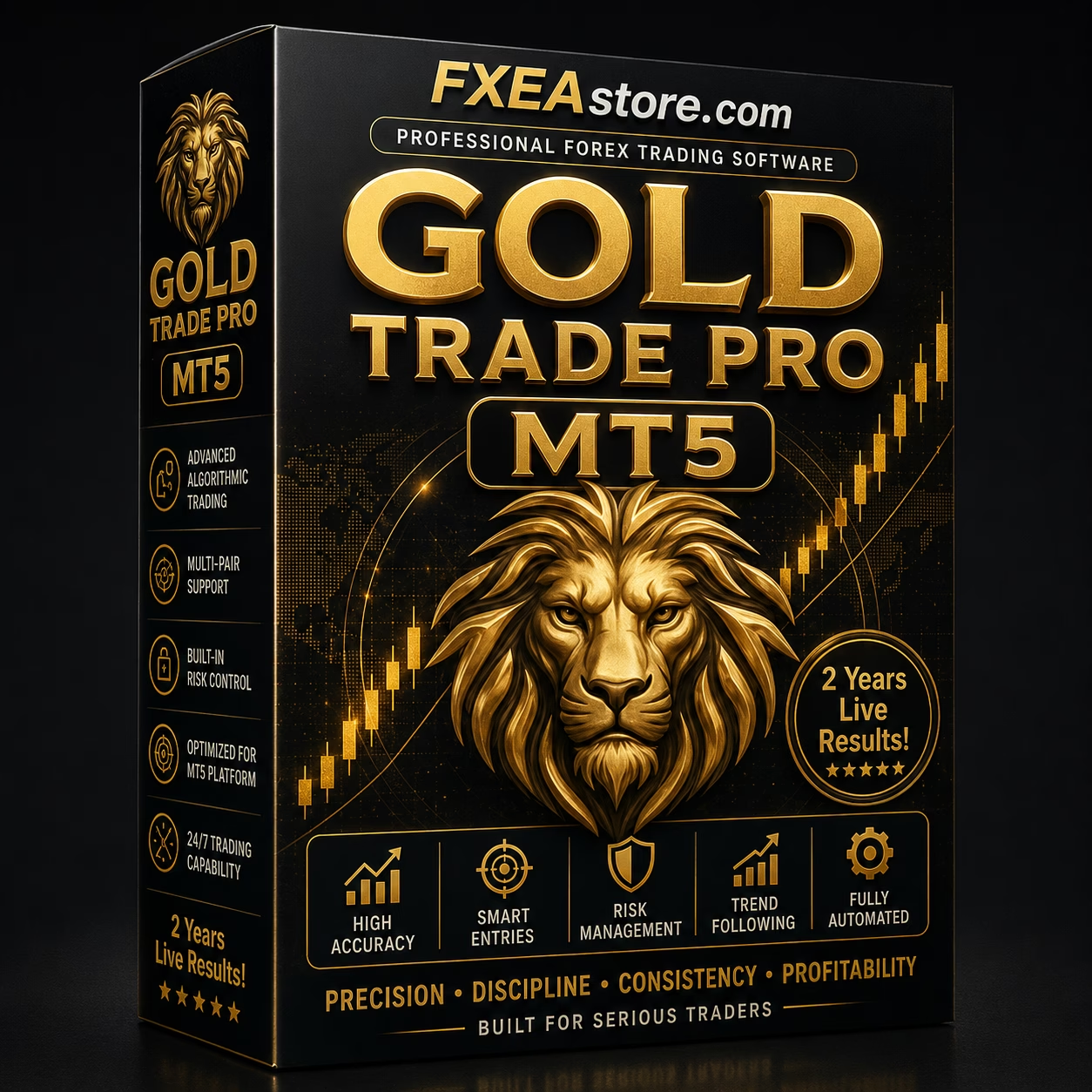

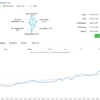
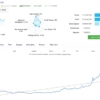
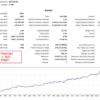
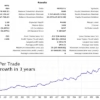
Gold Trade Pro MT5 V6.70 Unlimited + SetFiles
$15
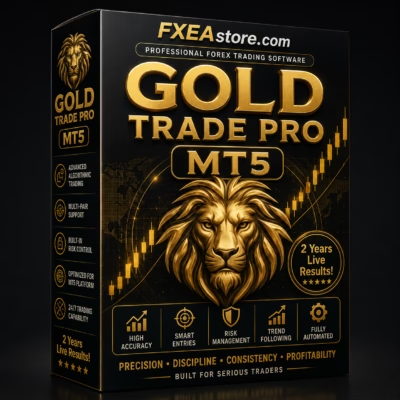
Gold Trade Pro MT5 is an automated Expert Advisor designed for MetaTrader 5 users who want a systematic approach to Forex and gold trading. With automated execution, configurable parameters, SetFiles, and risk-management options, it provides a practical framework for testing and developing an automated trading strategy.

Description
Gold Trade Pro MT5 – Automated Forex Trading EA for MetaTrader 5
Gold Trade Pro MT5 – A Smarter Approach to Automated Trading
Gold Trade Pro MT5 is a MetaTrader 5 Expert Advisor built for traders who want to automate their trading process and reduce the need for constant manual market monitoring.
Instead of manually analyzing charts and executing every position, the EA can monitor the market according to its programmed trading conditions and execute trades automatically when the required criteria are met.
Its configurable environment allows traders to adjust important parameters according to their preferred trading style, risk tolerance, and testing objectives.
Explore more automated systems in our Expert Advisor collection.
What Is Gold Trade Pro MT5?
Gold Trade Pro MT5 is an automated trading software solution for the MetaTrader 5 platform.
The EA is designed to help traders systematize their trading process through automated market monitoring, trade execution, and position management.
Depending on the selected configuration, users can adjust various parameters to develop a trading environment that better matches their requirements.
The system can be used for:
- Automated market monitoring
- Systematic trade execution
- Configurable trading parameters
- Position management
- Risk-management testing
- Historical backtesting
- Strategy optimization
- Demo forward testing
Automated Market Monitoring
One of the main benefits of Gold Trade Pro MT5 is automation.
Once properly installed and configured, the Expert Advisor can continuously monitor the market while MetaTrader 5 is running.
This can help traders reduce the need to:
- Watch charts continuously
- Manually identify every potential setup
- Enter orders manually
- Monitor positions every minute
- Recalculate trading parameters repeatedly
Automation can provide greater consistency because the EA follows its programmed rules rather than making decisions based on emotions.
Systematic Trade Execution
Manual trading can sometimes lead to hesitation, late entries, or inconsistent execution.
Gold Trade Pro MT5 is designed to automate the execution process according to its programmed conditions.
A simplified workflow is:
Market Monitoring → Trading Conditions → Signal Confirmation → Order Execution → Position Management
This systematic approach allows traders to establish predefined rules and test them under different market conditions.
Configurable Trading Environment
Different traders have different risk profiles and trading objectives.
For this reason, configurable parameters can be important when working with an automated trading system.
Users can test and adjust available settings related to areas such as:
- Trading conditions
- Position sizing
- Risk parameters
- Trade frequency
- Entry filters
- Exit conditions
- Stop-loss settings
- Take-profit settings
- Trading sessions
Available parameters depend on the EA configuration.
Always understand and test each setting before using it with real funds.
SetFiles Included
Gold Trade Pro MT5 includes SetFiles that can make the initial configuration process more convenient.
Instead of manually entering every available parameter, users can load a predefined configuration and use it as a starting point for testing.
SetFiles can be useful for:
- Faster initial setup
- Configuration comparison
- Backtesting
- Optimization
- Parameter research
- Strategy experimentation
Users can then modify the settings according to their own testing requirements.
Risk Management
Risk management is a critical part of automated trading.
An Expert Advisor can execute trades automatically, but it cannot eliminate market risk.
Depending on the available settings, traders can evaluate different risk-management approaches involving:
- Lot size
- Position exposure
- Stop-loss
- Take-profit
- Maximum trading risk
- Trade frequency
- Account-level exposure
Using conservative settings is recommended, particularly during the initial testing phase.
Gold & Forex Trading Opportunities
Gold and Forex markets can experience significant changes in volatility throughout the trading day.
Market behavior may be influenced by:
- Economic announcements
- Interest-rate expectations
- Central-bank decisions
- Inflation data
- Currency movements
- Market sentiment
- Geopolitical events
- Liquidity conditions
Automated trading systems can help traders follow predefined rules without requiring constant manual intervention.
However, changing market conditions can significantly affect an EA’s performance.
MetaTrader 5 Compatibility
Gold Trade Pro MT5 is designed for the MetaTrader 5 trading platform.
MT5 provides a comprehensive environment for:
- Expert Advisors
- Automated trading
- Historical backtesting
- Strategy optimization
- Technical analysis
- Multi-symbol trading
- Algorithmic strategy development
This makes MT5 suitable for traders who want to evaluate automated trading systems before considering live deployment.
Backtesting Capability
One of the most important advantages of using MetaTrader 5 is the ability to perform historical testing.
Before using Gold Trade Pro MT5 on a live account, traders can evaluate the EA using historical market data.
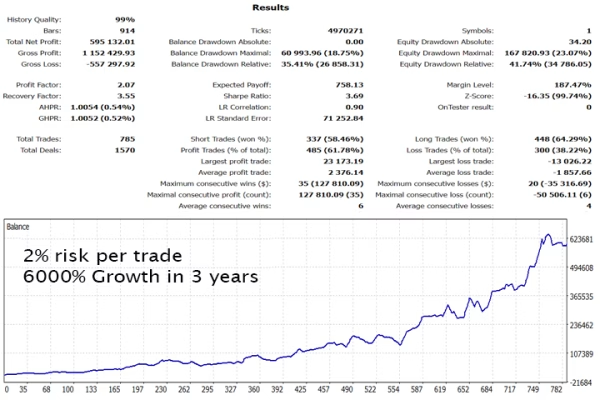
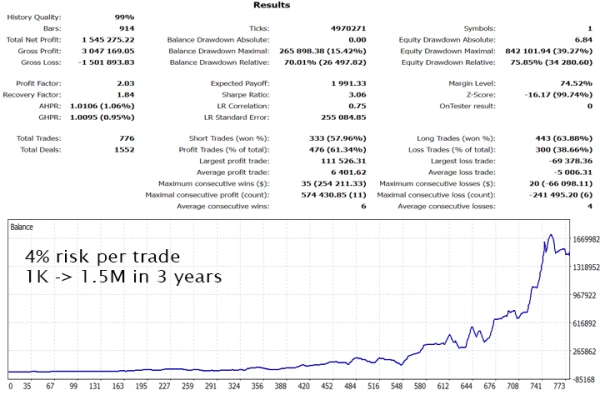
Important metrics to examine include:
- Net profit
- Maximum drawdown
- Profit factor
- Number of trades
- Win rate
- Average trade
- Recovery behavior
- Consecutive losses
- Risk-to-reward characteristics
Backtesting should cover multiple market periods rather than relying on a short historical sample.
Strategy Optimization
After completing an initial backtest, traders can experiment with different parameters.
Optimization can help identify configurations that behave differently under various market conditions.
However, excessive optimization can lead to curve fitting or overfitting.
A configuration that produces excellent historical results may fail to perform similarly in future markets.
For this reason, optimization should always be followed by independent forward testing.
Forward Testing
After historical testing, running Gold Trade Pro MT5 on a demo account can provide additional information about real-time behavior.
Forward testing allows traders to evaluate:
- Real-time execution
- Trading frequency
- Spread changes
- Slippage
- Drawdown
- Position management
- Broker-specific behavior
- Market-condition sensitivity
This step is particularly important because historical backtests cannot perfectly reproduce future execution conditions.
Gold Trade Pro MT5 – Key Features
Automated Trading
Automates market monitoring and trade execution according to programmed conditions.
MetaTrader 5
Designed specifically for the MT5 trading environment.
Configurable Parameters
Allows users to test available settings according to their trading requirements.
SetFiles Included
Provides predefined configuration files for easier setup and testing.
Automated Position Management
Helps manage open positions according to the EA’s programmed rules.
Backtesting
Can be evaluated using historical market data through MetaTrader 5.
Optimization
Users can test different parameter configurations.
Forward Testing
Suitable for demo-based validation before live deployment.
Systematic Trading
Designed to follow predefined trading rules consistently.
Gold Trade Pro MT5 Specifications
| Feature | Details |
|---|---|
| Product | Gold Trade Pro MT5 |
| Platform | MetaTrader 5 |
| Type | Expert Advisor |
| Trading | Automated |
| Configuration | Adjustable |
| SetFiles | Included |
| Backtesting | Supported |
| Optimization | Supported |
| Forward Testing | Recommended |
| Risk Management | Configurable |
Actual trading results may vary depending on the broker, account type, spreads, commissions, slippage, market conditions, and selected parameters.
How Gold Trade Pro MT5 Works
Step 1 – Install MetaTrader 5
Prepare a compatible MetaTrader 5 trading environment.
Step 2 – Install the Expert Advisor
Add the EA to the appropriate MT5 directory and activate it in the platform.
Step 3 – Load the SetFiles
Use the included SetFiles as a starting configuration where appropriate.
Step 4 – Review the Parameters
Carefully review available trading and risk-management settings.
Step 5 – Backtest
Test the EA against historical data using different market periods.
Step 6 – Optimize
Experiment with parameters while avoiding excessive curve fitting.
Step 7 – Forward Test
Run the EA on a demo account to evaluate real-time execution.
Step 8 – Evaluate Risk
Review drawdown, exposure, trading frequency, and other performance metrics.
Step 9 – Consider Live Deployment
Only after sufficient testing should traders consider using the EA with real capital.
The recommended workflow is:
Install → Configure → Backtest → Optimize → Forward Test → Evaluate → Deploy
Who Is Gold Trade Pro MT5 For?
This Expert Advisor may be suitable for:
- Forex traders
- Gold trading enthusiasts
- MetaTrader 5 users
- Automated trading beginners
- Experienced algorithmic traders
- Traders who prefer systematic execution
- Users interested in EA backtesting
- Traders looking to reduce manual intervention
It is recommended that beginners first learn how Expert Advisors, leverage, position sizing, and drawdown work before deploying an automated system with real money.
Why Choose Gold Trade Pro MT5?
Automated Market Monitoring
The EA can monitor the market without requiring constant manual chart analysis.
Systematic Execution
Trading decisions are based on predefined programming rather than emotional reactions.
Flexible Configuration
Users can test different available settings according to their objectives.
Included SetFiles
Predefined configurations provide a convenient starting point.
MT5 Testing Environment
MetaTrader 5 provides tools for historical testing and optimization.
Practical Automation
The EA can help streamline repetitive trading tasks and position management.
Trading Costs Matter
Automated trading performance is affected not only by the strategy itself but also by trading costs.
Before evaluating Gold Trade Pro MT5, consider:
- Spread
- Commission
- Swap
- Slippage
- Execution speed
- Broker conditions
- Account type
- Leverage
A strategy that appears profitable before transaction costs may behave differently after real trading expenses are included.
Recommended Testing Process
For a more reliable evaluation, consider the following testing process:
1. Historical Backtest
Test the EA across multiple historical periods.
2. Parameter Evaluation
Understand how different settings affect risk and trading frequency.
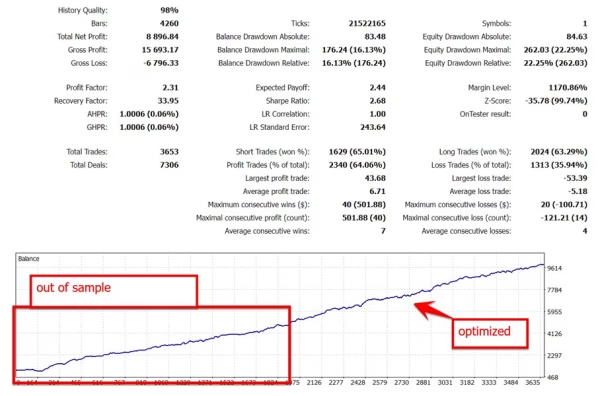
3. Out-of-Sample Testing
Evaluate the system using data that was not used during optimization.
4. Demo Forward Testing
Observe real-time performance under current market conditions.
5. Small-Scale Validation
If appropriate, validate the EA with conservative risk before considering larger exposure.
This process can help reduce the possibility of relying entirely on optimized historical results.
Expand Your Automated Trading Toolkit
Discover more automated trading systems through our Expert Advisor collection.
For additional technical-analysis tools, explore our Indicator collection.
Developers and advanced users can also explore our Source Code collection.
Download Your Product
After completing your purchase, access your available product files through your account.
Visit Download Immediately After Payment to access your purchased files.
The included SetFiles can help simplify the initial configuration and testing process.
Important Risk Disclaimer
Trading Forex, gold, CFDs, and other leveraged financial instruments involves substantial financial risk.
Gold Trade Pro MT5 does not guarantee profits and cannot eliminate trading risk.
Automated trading systems can experience losses because of:
- Unexpected market movements
- High volatility
- Spread widening
- Slippage
- Low liquidity
- Broker restrictions
- Technical problems
- Incorrect configuration
- Market-regime changes
- Unexpected economic or geopolitical events
Past performance, historical backtests, simulated results, and optimization results do not guarantee future performance.
Always perform your own research and testing before using real capital. Use appropriate risk management and never risk more than you can afford to lose.
Get Gold Trade Pro MT5 Today
Gold Trade Pro MT5 provides a practical solution for traders who want to automate their trading workflow on MetaTrader 5.
With automated execution, configurable parameters, SetFiles, and access to MT5’s testing and optimization environment, the EA can be used as a foundation for systematic trading research and automation.
Whether you are an experienced automated trader or exploring Expert Advisors for the first time, thorough backtesting, forward testing, and responsible risk management should always be part of your trading process.
Stay updated with new trading products through our Official Trading Channel.
For product or technical assistance, contact Customer Support.
Related products

Expert Advisor
IS New Project EA MT4 Unlimited with SetFiles (latest build)

Expert Advisor
Expert Advisor

Expert Advisor
Expert Advisor
Expert Advisor

Expert Advisor